


Show them what's moving. Keep where to yourself.
A client who books in February waits all summer to see your ground. Upload the whole card, share the good frames with everyone who's booked, and each client gets one text that opens their photos. The camera names and locations stay with you.
Comes with every HuntDocs account. Nothing to add.
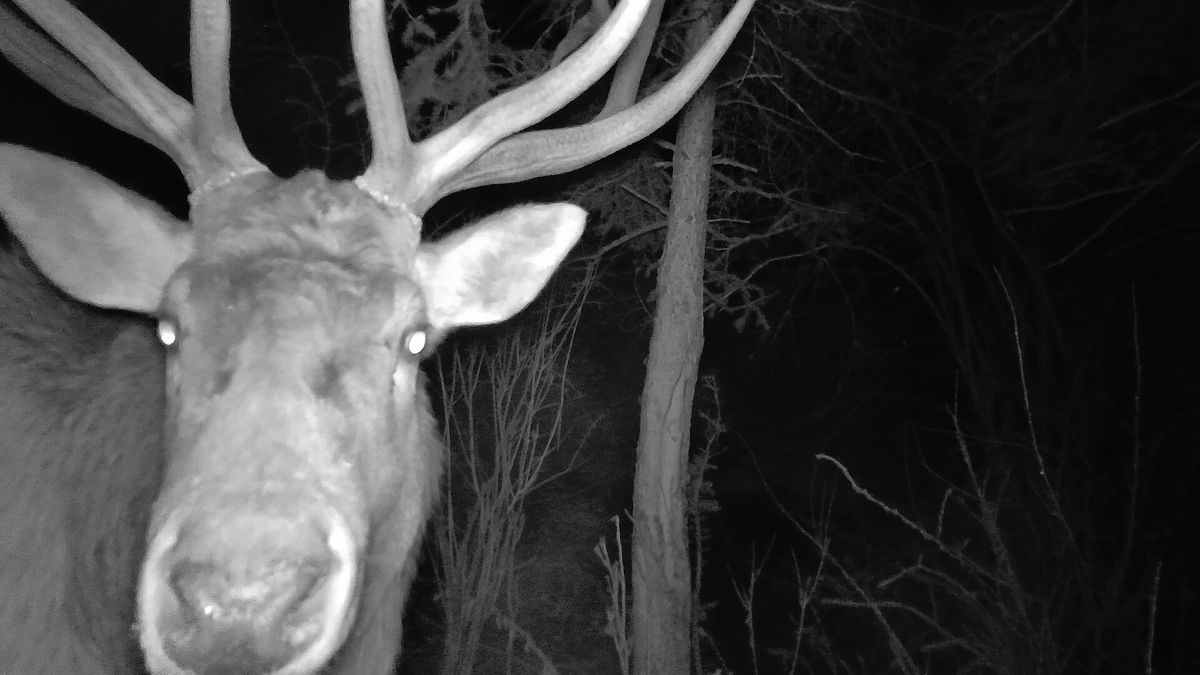
The animal travels. The location doesn't.
A camera name printed across the frame, GPS tucked inside the file: either one can give away your ground. HuntDocs takes care of both before a client ever sees a photo.
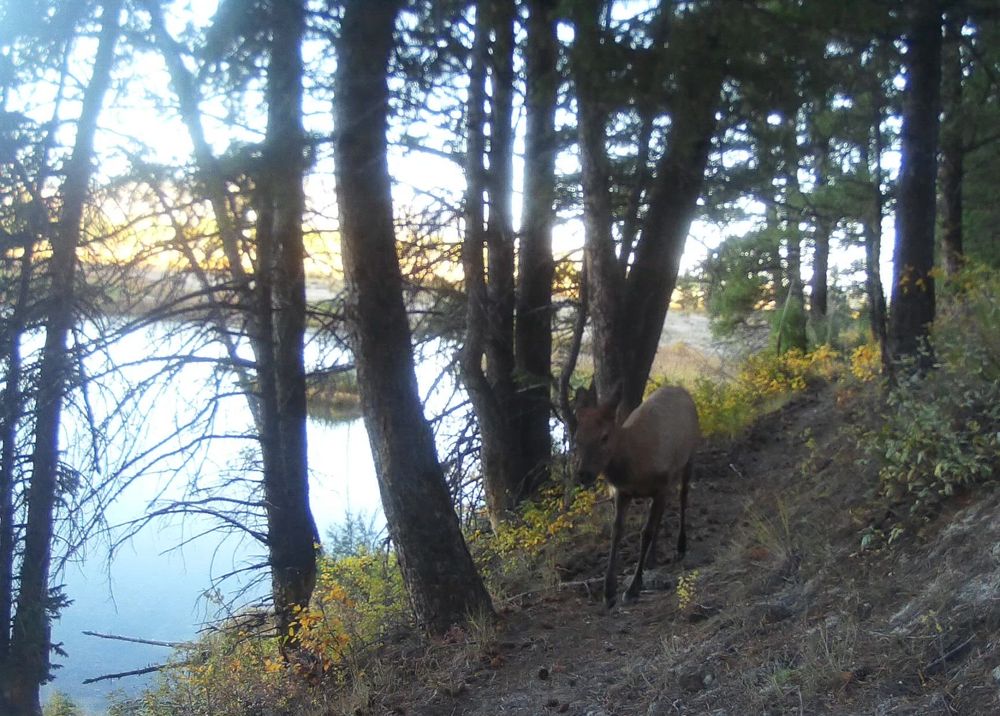
Three steps from the card to their phone.
Pull the card, upload it, share the good ones. Each client hears about it once.
Upload the whole card
Pulled a card? Upload all of it.
Select every photo on the card at once. They go up in small groups with a running count, and each thumbnail shows up as soon as it's ready. Every upload is its own batch, so the wrong card comes back out in one go.
- Phone pictures too. An iPhone photo of a rub line or a scrape uploads the same way.
- Lands in date order. When a file carries no date, HuntDocs reads the one printed on the photo.
- Your guides can do it. They upload from their own login, and their photos wait until you decide to share.
Photo Gallery
Uploading 140 of 186…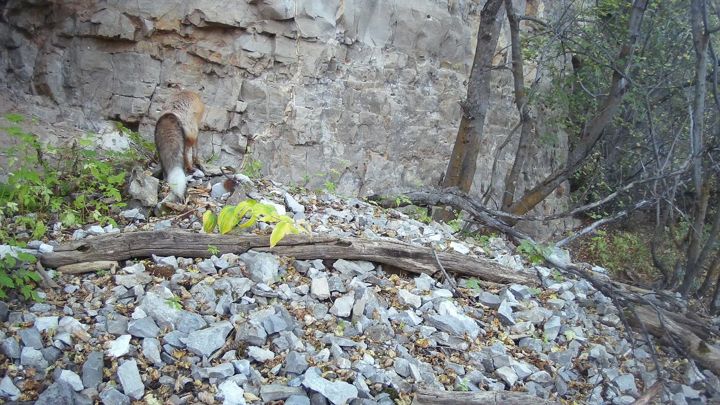
Share with everyone booked
Pick the good ones. Send them to everyone who's booked.
Tick the frames worth sending, or show just this upload and select all. Choose Everyone with a live booking and press Share.
- No list to keep. It comes straight from your bookings: clients hunting next month, next year, or on a trip with no dates yet.
- Last season stays last season. Past clients who haven't booked again aren't in it, and a cancelled trip drops out on its own.
- Or one client by name. Send a frame to the one person it's meant for.
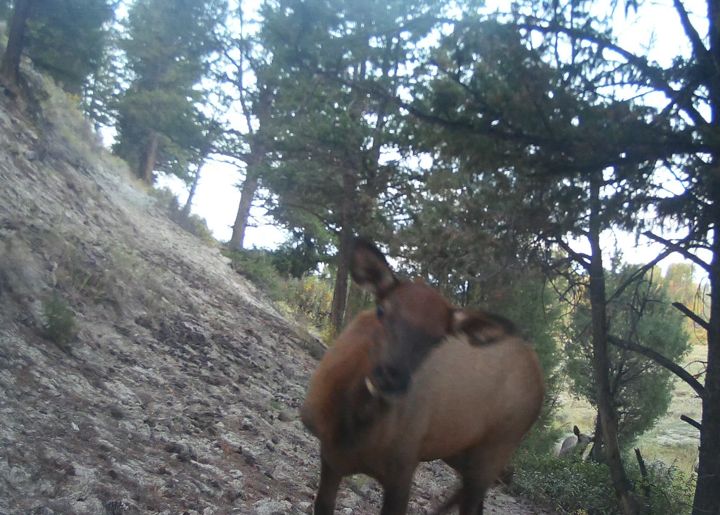
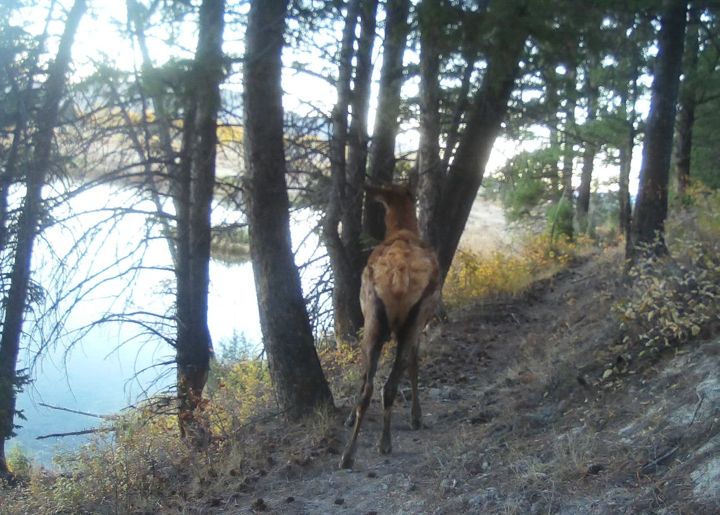
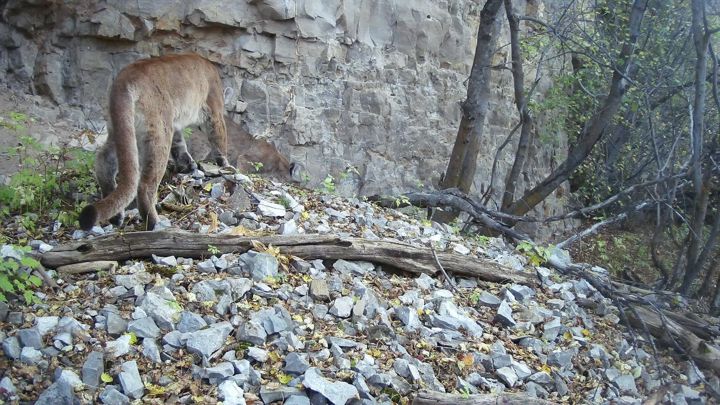
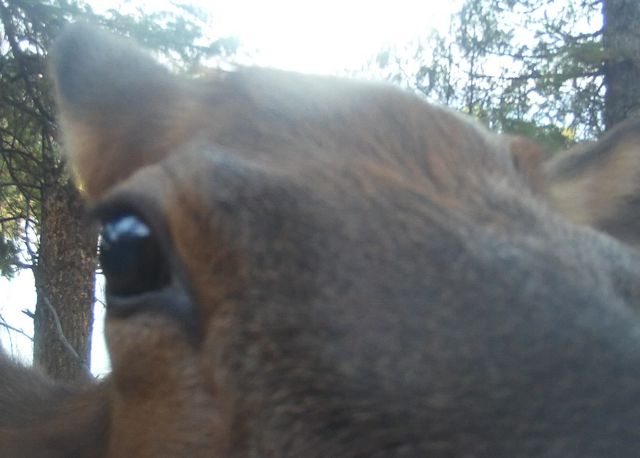
Each client gets one text
They hear from you once, not 200 times.
One text per client per share, with your business name up front and a link that opens their photos. No password, no app. Share at nine at night and the texts wait for a decent hour in each client's time zone.
- Know who got it. Anyone the text didn't reach is listed by name with what to do about it, and one button texts the ones not reached.
- Opt-outs respected. A client who texted STOP isn't texted. Their photos still land in their portal.
- Newest first. Clients open on your latest upload, with All and each season a tap away.
Your Photos
Shared with Jake Morrison
These photos are not a guarantee. What a camera recorded on one day is not a guarantee of what you will see, or have a chance at, on your hunt.
Trail Camera — Newest
12 photosEvery client knows someone who'd love to see these.
Your clients are going to show these photos around. The Share button turns that into a new name in your Contacts.
- Sent from your client's phone. They tap Share, add a friend's name and number, and their own Messages app sends the link. HuntDocs never texts a friend who hasn't said yes.
- Five photos, then one question. The friend sees five frames and "Want to see all 212?" Saying yes means agreeing to hear from you.
- A lead that comes with an introduction. Friends who say yes land on your Trail Cam Share list in Contacts, next to the name of the client who shared. Friends who don't aren't kept.
- Your phone knows first. With lead alerts on, you get a text the moment a friend says yes.
Trail Camera Photos
Jake Morrison shared 5 of Larkspur Fork Outfitters' 212 trail camera photos with you.
Want to see all 212?
The small things, handled.
Jesse Ward uploaded 40 trail camera photos.
Part of every HuntDocs account.
Before you start
Do my clients need a login or an app?
No. The link in the text opens that client's photos with nothing to type. Their full client portal is one link away and uses their normal login.
Who counts as "everyone with a live booking"?
Every client whose trip is coming up, has no dates yet, or ended in the last 30 days. Someone booked for next season is in. Someone who came last season and hasn't booked again is not. A cancelled booking drops out on its own.
Can clients download the photos?
Trail camera photos are view-only, with no download button. A photo you move to Hunt Photos is different: that one is theirs to download.
Does HuntDocs text my clients' friends?
Not unless they say yes. Your client sends the link from their own phone. The friend sees five photos and decides whether to hear from you. Their view ends when your client's does.
What if a client has texted STOP?
They aren't texted, and the photos still land in their portal. Your readout lists them by name, so you know to mention it the next time you talk.
How long do clients see the photos?
Until 30 days after their trip. A trip with no dates yet keeps its photos until it has dates. A client you pick by name always gets them for at least 30 days from the day you share. Your gallery keeps everything.
Can I upload photos taken on public land?
No. Trail camera photos are for private land only. Many states restrict trail cameras on public ground, and several restrict them by season. Everyone who uploads accepts the trail camera terms once, before their first upload.
Do iPhone photos work?
Yes. iPhone photos upload like any other, and the location data in them is stripped the same way.
Do the texts cost extra?
No. They're business texts, the kind HuntDocs sends for you about a booked trip: free and unlimited on every plan.
The long version: Trail Camera Photos for Booked Clients: What to Share, What to Hide, and How to Send It Once
Give every booked client a reason to count the days.
Try HuntDocs free for 14 days, and upload your first card during your trial.